Print Form Letters for a Group of Accounts
Do you need to generate practice policy documents, 120+ day balance letters, or other custom form letters for a group of accounts? Use the Personal Balances tool to find accounts based on your criteria and then print form letters for them.
Video: Watch Print Form Letters for a Group of Accounts to learn more.
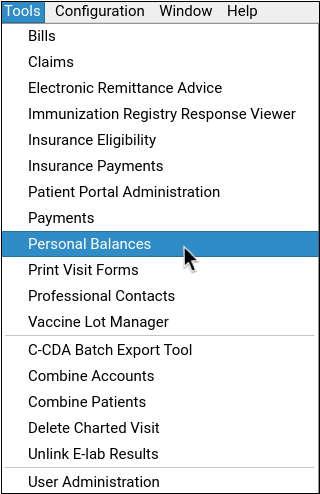
Open Personal Balances
Open the Personal Balances tool from the Tools menu.
Select the Criteria for Accounts
Adjust the criteria to build a list of accounts that should receive the form letter.
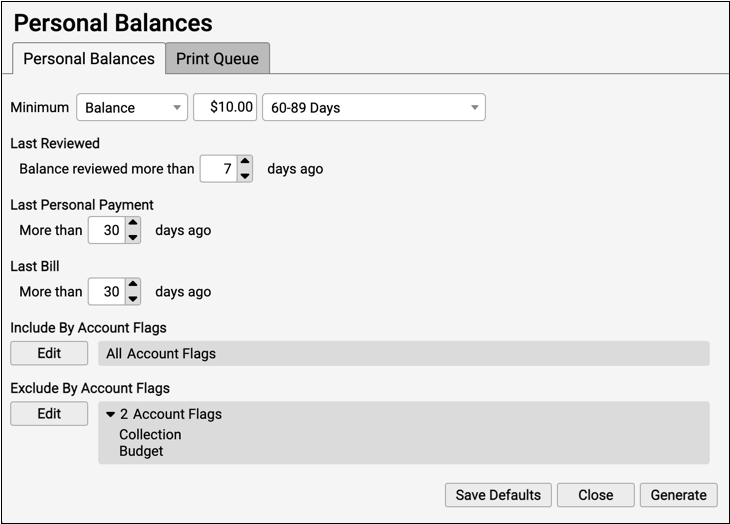
For example, you may wish to send form letters for accounts with 120+ day overdue balance of at least $25.
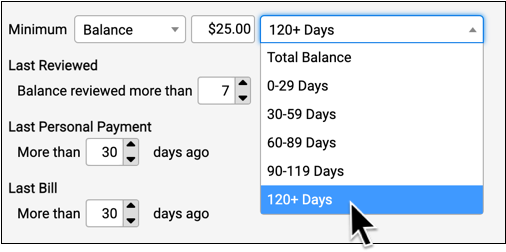
You can also include or exclude accounts by status, and more.
Click Generate and Review the List of Accounts
Click “Generate” to produce a list of accounts that match your criteria.
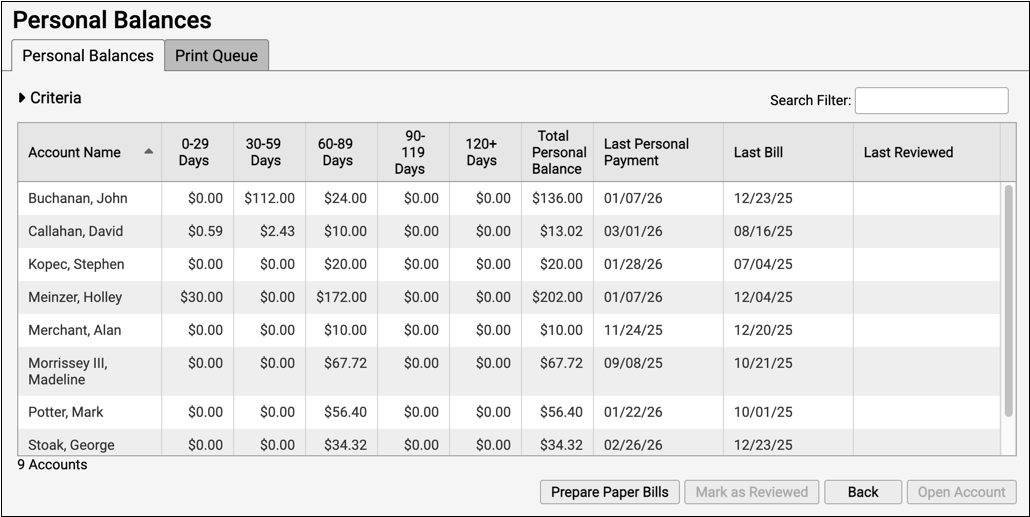
You can sort and search the list to ensure it contains only your intended recipients.
Optionally, Work With Accounts, Post Payments, and More
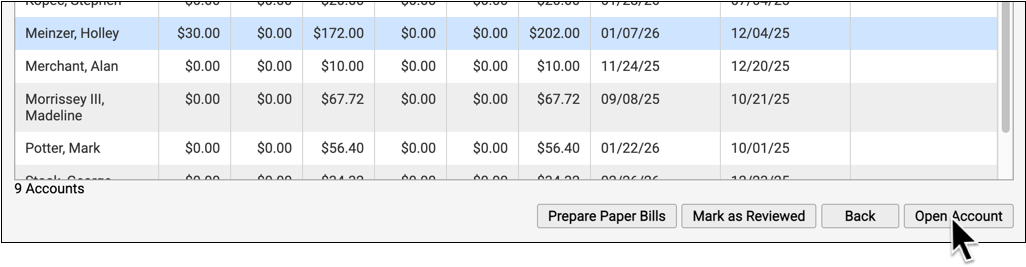
Before you generate the form letter, you can select an account and click “Open Account” to review more details, including a list of outstanding charges, in the Payments tool.
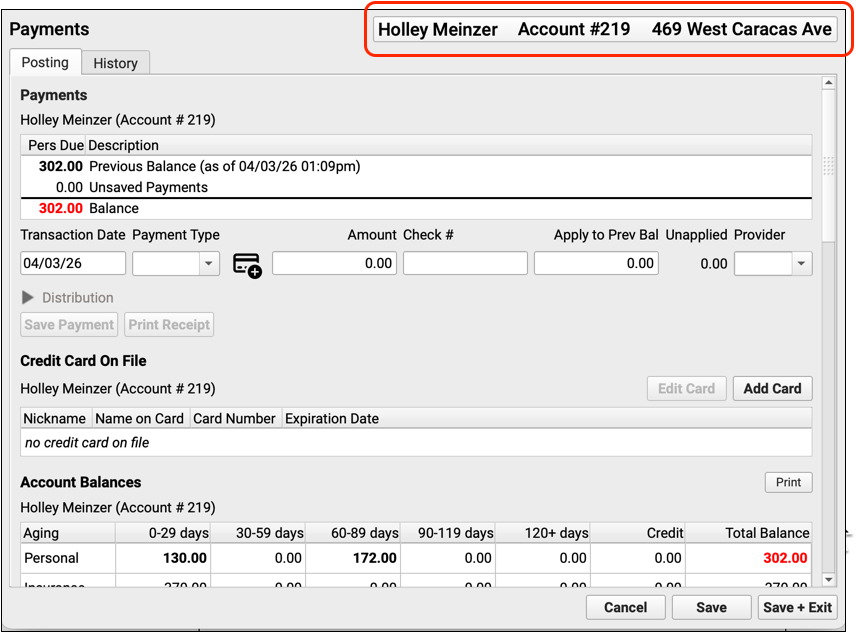
Instead of sending them the letter, you might decide to contact the family and handle an issue over the phone. After working with the account, you can return to Personal Balances and recreate the list of accounts that need a form letter.
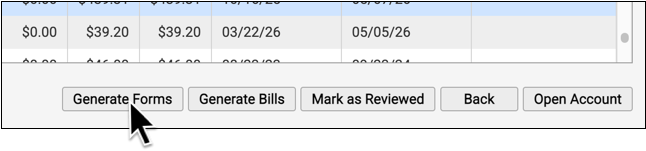
Click “Generate Forms”
When you are ready to generate a form letter for the accounts listed, click “Generate Forms” .
Select the Form and Generate
Select the form letter you wish to generate.
Optionally change the document category in the chart where a copy of the form will be saved.
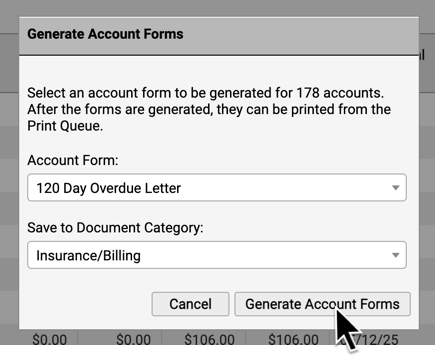
Click “Generate Account Forms” to continue.
PCC EHR will create the form letters and add the finished batch of letters to the Print Queue.
Visit the Print Queue
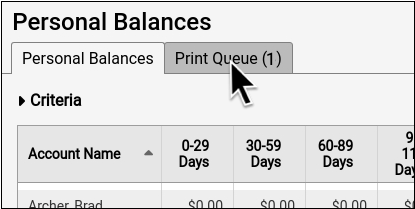
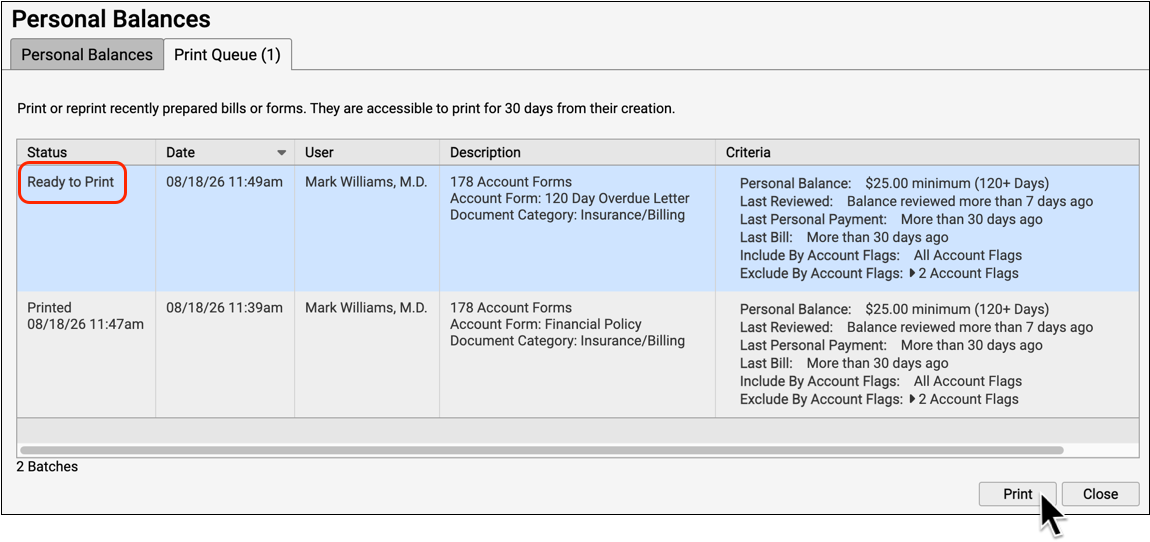
When a batch of forms is ready to print, you will see a waiting print job on the Print Queue tab. Visit the Print Queue to view the prepared forms and print them.
Select the Prepared Batch of Forms and Print
Select the batch of prepared forms and click “Print” to send them to your printer.
Did We Generate a Form for This Account?: You can review account forms sent to a family in the designated category of the Documents section of a patient’s chart.