PCC 11.1 Release Overview
Clinical
See Your Whole Schedule at a Glance in pocketPCC
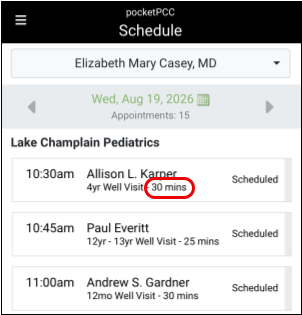
Get a clear and informed view of your whole day in pocketPCC. The Schedule screen in pocketPCC will show the duration of each visit on your schedule, so you’ll know when you’re free for other tasks between visits.
Turn Your Phone into a Microphone for PCC Scribe
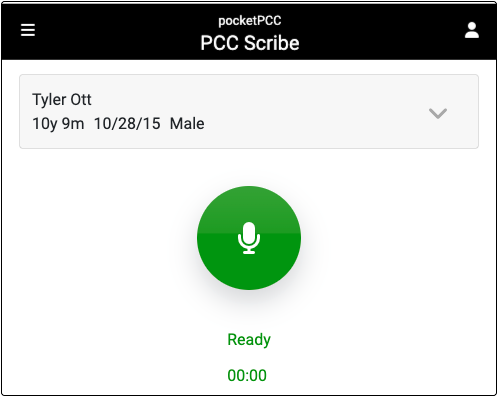
Log into pocketPCC on your phone, tablet, or laptop, start the PCC Scribe listener, then work with the transcript in PCC EHR.
PCC Scribe Available to More Clinicians via pocketPCC
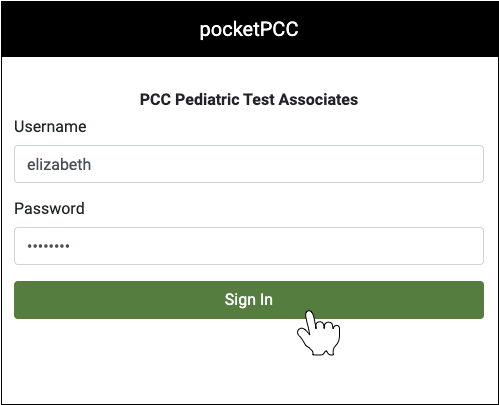
If your PCC EHR setup doesn’t allow for PCC Scribe microphone access, you can use pocketPCC to transcribe visits with your phone, tablet, or laptop.
Use PCC Scribe to Chart for the Whole Family
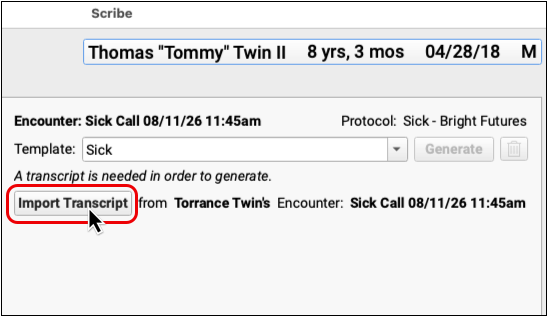
Transcribe for the whole family without switching between charts, then use that transcript to create a unique note for each patient.
View Scribe Templates Before You Copy
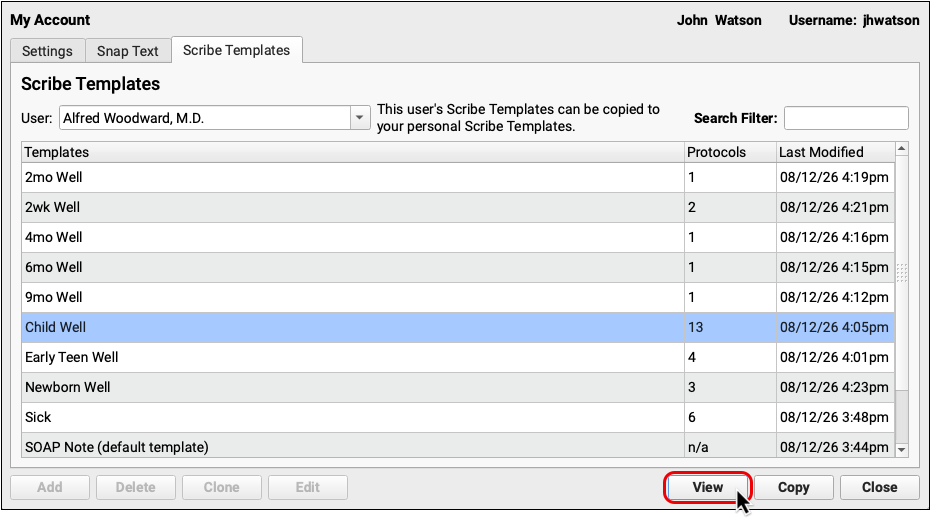
See how your colleagues set up their PCC Scribe templates before deciding which you should copy to your own account.
Stop Playing the Prior Auth Guessing Game
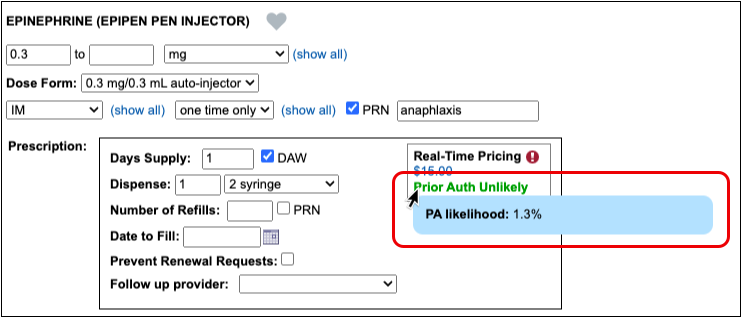
New predictive insight in PCC eRx will reliably tell you when prior authorization is needed for the medication you are about to prescribe.
Get More Reliable Retail Rx History Results
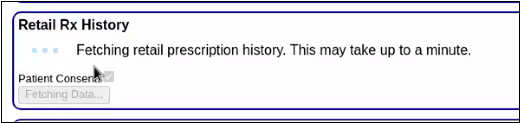
Tired of seeing a blank screen when you request your patient’s retail prescription history? Now you can move on to other tasks without interrupting results from being returned.
Easily Change the Sequence of Labs

Rearrange the tests in a lab order without rebuilding the entire order. PCC EHR’s Lab Configuration tool will include the option to move a lab order once it has been added.
Scheduling & Front Desk
Sign Forms During Pre-Check-In
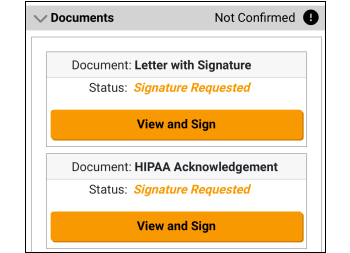
Families can read and sign both patient and account documents during Pre-Check-In. Documents display based on your practice’s configuration settings.
Cancel Appointments in Patient Portal
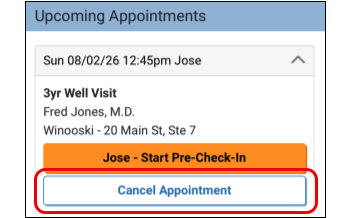
Save time and effort for your patients, families, and front desk staff by optionally allowing users to cancel appointments through the patient portal.
Find Appointments Canceled by Portal Users
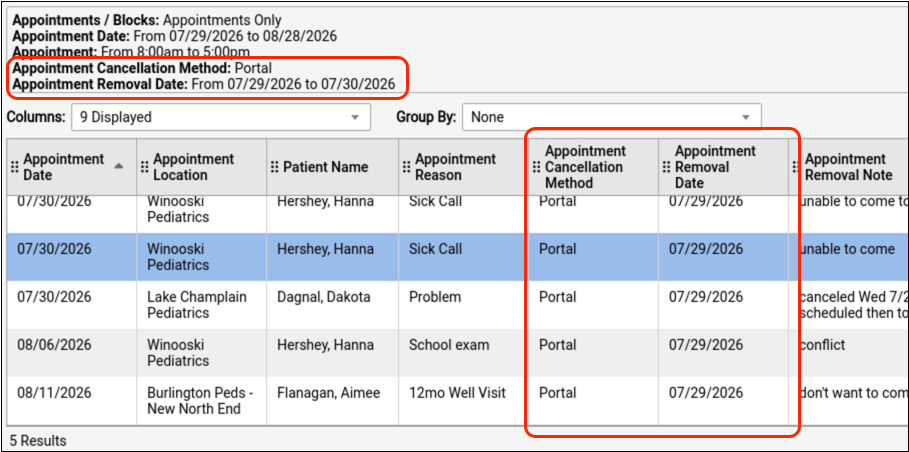
Review and follow up on appointments that were canceled by portal users.
Billing
Prevent Billing Problems with a Required Policy Start Date
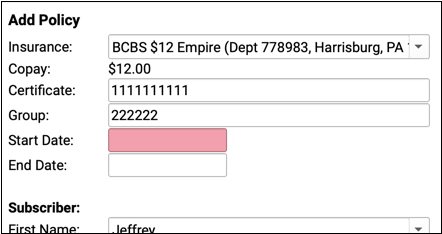
Patient policy records in PCC EHR now require a start date, which will lead to fewer billing problems and less time wasted by your practice.
Guaranteed Valid IDs Leads to More Reliable Patient Eligibility
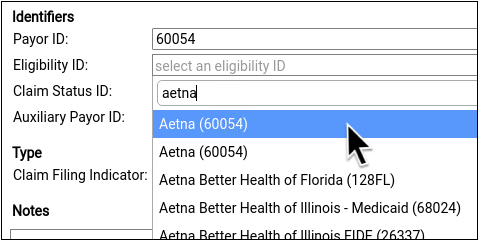
You can now select from a list of valid eligibility IDs, improving your access to eligibility information, which in turn leads to more reliable revenue for your practice.
Process Multiple ERAs at Once
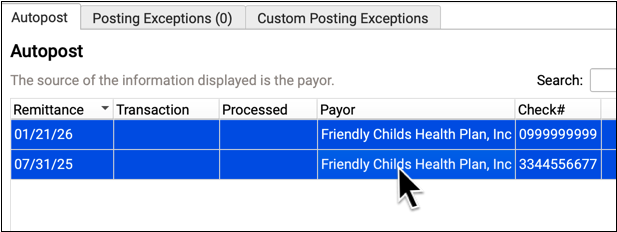
Power through your ERAs by quickly posting a large batch of incoming checks with just a few clicks.
Pick from Paid Claims When Posting an Insurance Payment
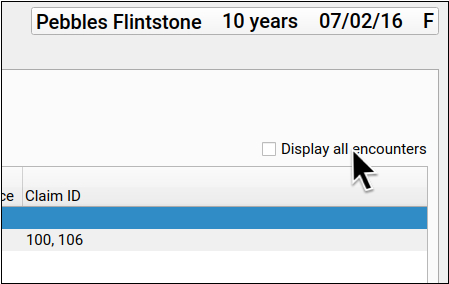
If you need to manually enter an EOB, but the charges no longer pend insurance for some reason (or are paid off), you can now select from paid encounters.
Change the Payer as You Post a Payment
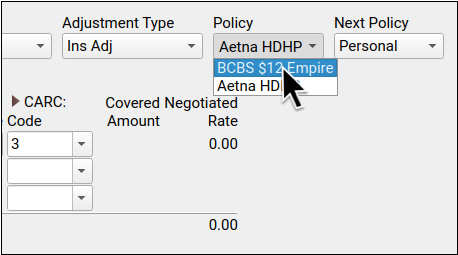
Did you receive an unexpected payment from a different insurance policy? When you post insurance payments manually, you can switch the source of payment on-the-fly.
Use Overpayments to Enter and Track Insurance Credits
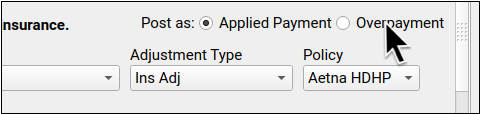
Post overpayments to track unlinked insurance credits without interrupting the rest of the billing process.
See Payment History Details with a Single Click
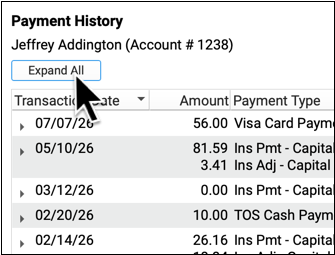
When you’re trying to find a payment that needs editing or reversing, you can open details for all payments with a single click.
See DOB and Member ID as You Work on an Unpaid Encounter
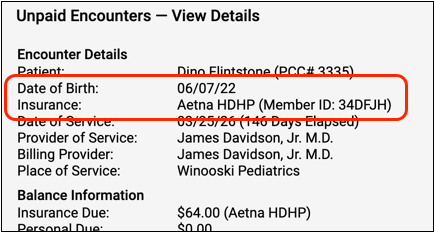
As you work down unpaid claims, use date of birth and member ID to verify the patient.
See ERAs and Statements with a Single Click
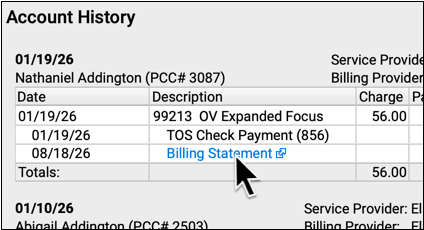
Need to better understand a payment or see a family’s bill? On the Account History, you can open an ERA or a statement with a single click.
Distribute Today’s Payment Towards Past Charges During Patient Checkin
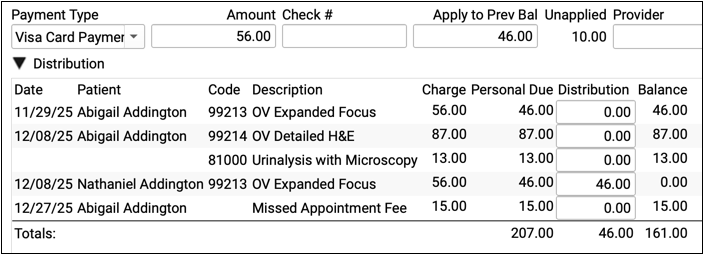
A parent just wrote a check? Your front desk can select specific outstanding balances on the account. You’ll end up with fewer unlinked payments for the biller to clean up.
Print Form Letters for a Group of Accounts
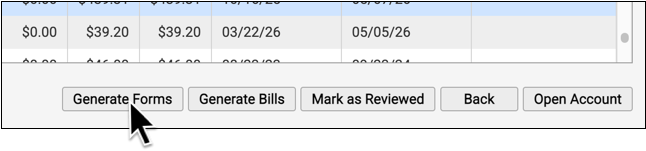
Need to send out a letter to all your Medicaid families? Or how about all families with a 120+ due balance? Quickly print form letters for a specific list of accounts based on your criteria.
Practice Administration & Oversight
Open the Report Library Faster
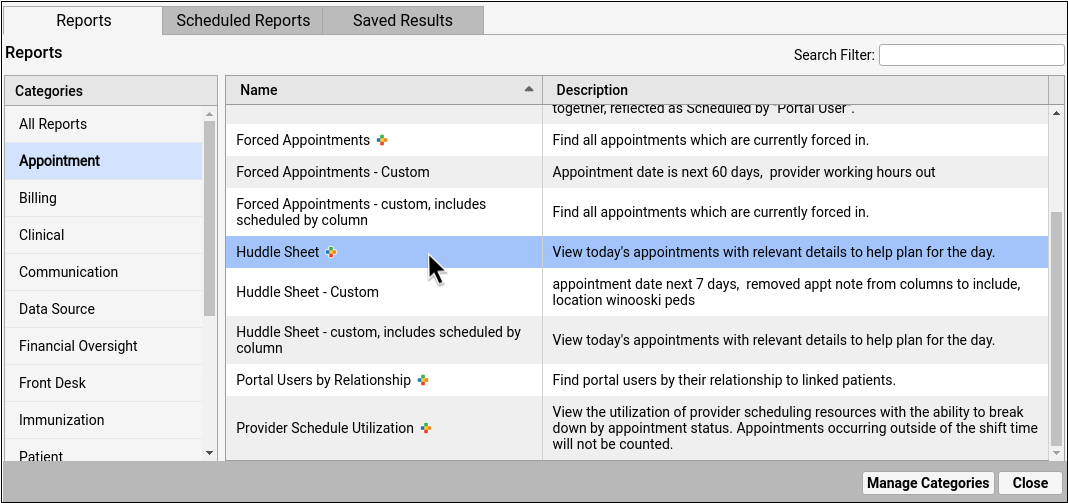
New layout and efficiencies in the Report Library improve speed and report findability.