
Delete a Fee Using Edit Charges
Delete a Fee Posted in Error
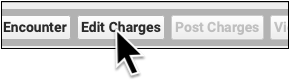
If a fee was posted in error, you can use “Edit Charges” to remove it, just as you would remove other charges from an encounter.
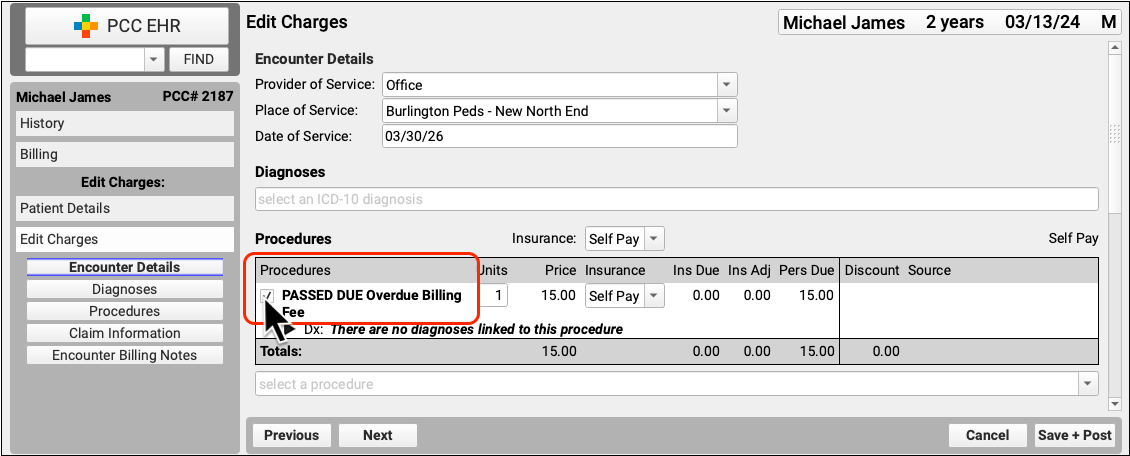
Deselect the charge to mark it for deletion. If your practice uses multiple charges or diagnosis codes, deselect all that should be removed. Then click “Save and Post”.
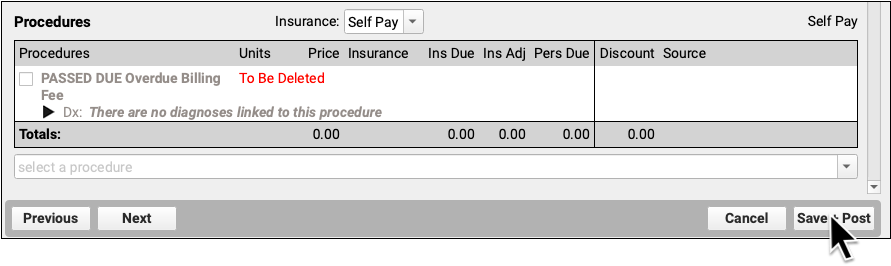
If all charges are removed from the administrative encounter, the encounter will be removed from the patient’s billing record.