Find the Right Fax Option for Your Practice
Contents
Faxing continues to be an important mode of communication for pediatric offices. With PCC EHR, there are a few different ways to bring your faxes into PCC so that you can attach those documents to patients’ charts.
Fax options vary in complexity, price, and time commitment. This article outlines the pros and cons of the top five options that work best with PCC.
Physical Fax
All physical fax options require a dedicated phone number and physical phone line.
Own a Fax Machine or Multifunction Device
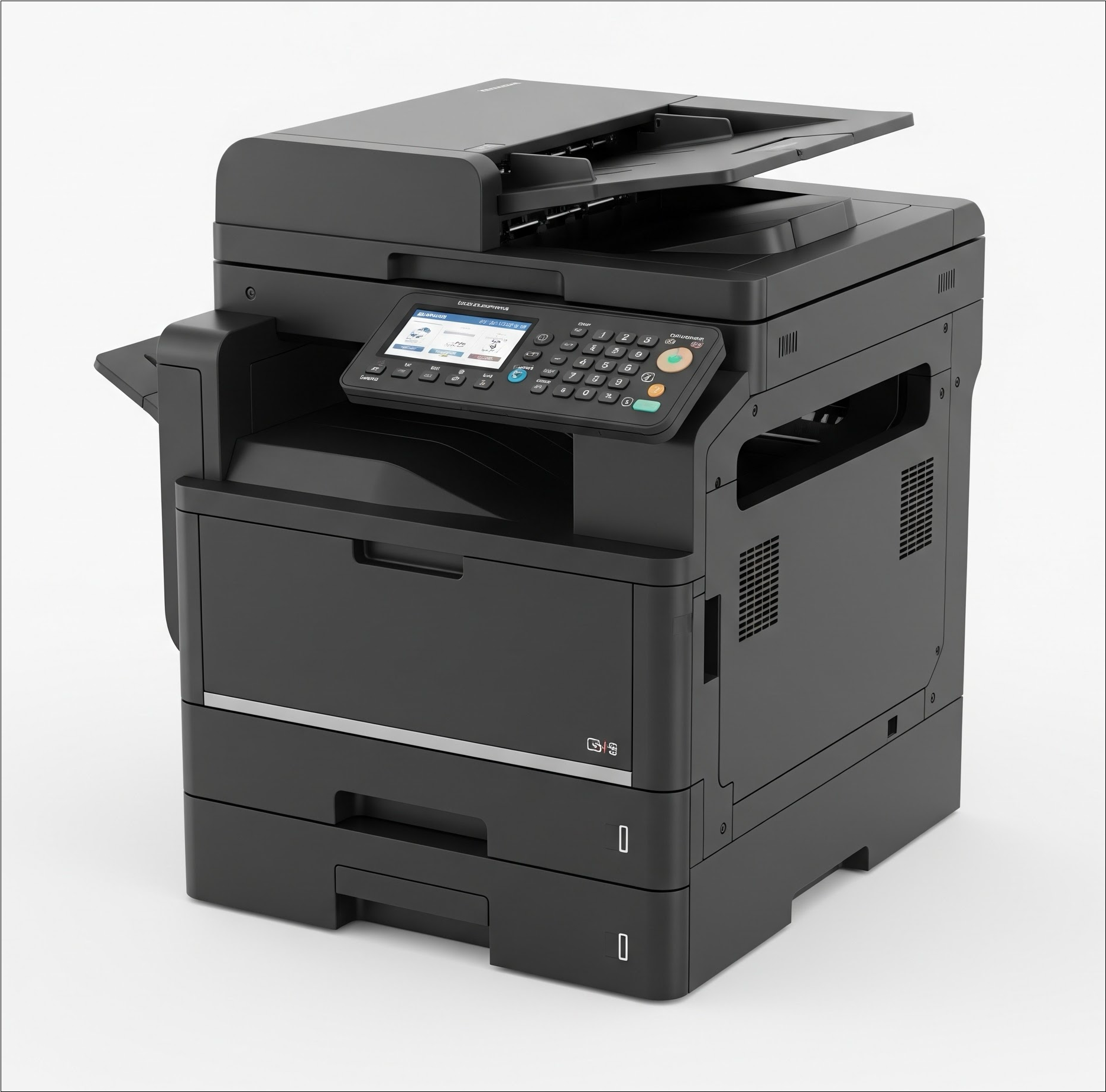
Many multifunction devices can receive faxes, just like regular fax machines, in addition to their other functionality, such as printing, copying, and scanning.
Pros:
- If the device has the right capabilities, it can be fully automated to send your faxes into PCC EHR. The device must already have the capability to save incoming faxes to a shared directory. PCC cannot add this capability.
- Physical machines can failover to paper if they lose network connection. As long as there is still phone service, you will have no lost faxes, and no delay in receiving faxes, even during network outage.
- You can send faxes from a physical machine, as well as receive them.
- Owning a fax or multifunction machine is one of the less expensive options.
Cons:
- It is often difficult to figure out which models have the capability to save incoming faxes to a shared directory. Not all sales or service representatives are familiar with this process, which can lead to multiple returns and miscommunications.
- A physical device takes up space in your office.
- Periodic maintenance or replacement may be required.
- A phone line and phone number independent of the practice phone are required.
Model specifications change frequently, and it can be difficult to tell whether a device has the right capabilities. If you want full automation of receiving faxes directly in PCC EHR, double-check that your device has this capability.
Lease a Fax Machine or Multifunction Device
If you don’t want to own and maintain a fax machine or multifunction device, you can lease one. Leased copy machines are essentially multi-function printers, and can usually be configured to function as a physical fax machine. Make sure your contracted services include the capability to save incoming faxes to a shared directory, and your service will set up your machine.
Pros:
- If the device has the right capabilities, it can be fully automated to send your faxes into PCC EHR.
- Physical machines can failover to paper if they lose network connection. As long as there is still phone service, you will have no lost faxes, and no delay in receiving faxes, even during network outage.
- You can send faxes from a physical machine, as well as receive them.
- Your lease agreement is likely to include maintenance and periodic replacement.
Cons:
- A physical device takes up space in your office.
- A lease may be more costly than owning and maintaining your own equipment.
- A phone line and phone number independent of the practice phone are required.
Electronic Fax
Electronic fax options do not require an additional phone line or phone number, and are typically subscription-based. Electronic fax vendors that PCC has worked with in the past, such as eGoldFax, Sfax, eFax, and Spruce, typically offer some level of automation.
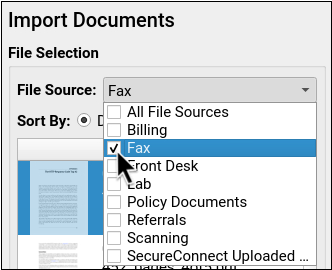
Partial automation means that the vendor either sends you each received fax as an email or collects your received fax files on a website. You can then use Print to EHR functionality to send the fax files to PCC EHR or download and send them in bulk to your Fax file source in Import Documents.
Full automation means that your faxes are received directly in your Fax file source in Import Documents.
Regardless of the level of automation, once the file is in Import Documents, you can associate the file with a patient’s chart, and optionally attach it to a visit chart note or a specific order. Read Attach a Document to a Patient’s Chart to learn more about working with documents in PCC EHR.
Pros:
- Because there is no physical device present, there is no space taken up in your practice.
- Because there is no physical device, there are no maintenance or replacement costs.
- A phone line and additional phone number are not necessary.
Cons:
- If you lose internet connection, you will not be able to retrieve your faxes until reconnection is established.
- Most vendors charge per page in addition to an ongoing rate.
- The majority of vendors do not offer full automation or integration with PCC EHR. There is typically an intermediary step that needs to be performed by a user, such as selecting and saving or printing to PCC.
- A phone line and phone number independent of the practice phone are required.
Fax Server
All fax servers require a dedicated phone number and physical phone line. Setting up a fax server is highly technical, though fax servers tend to last longer than fax machines and multifunction devices.
Configuring a fax server requires a local IT person with considerable skills and experience, as well as a long-term service agreement or detailed service transition plans. A fax server option is only recommended for practices that have a reliable and savvy local IT who is committed to maintaining and supporting the fax server.
Software-Based Fax Server
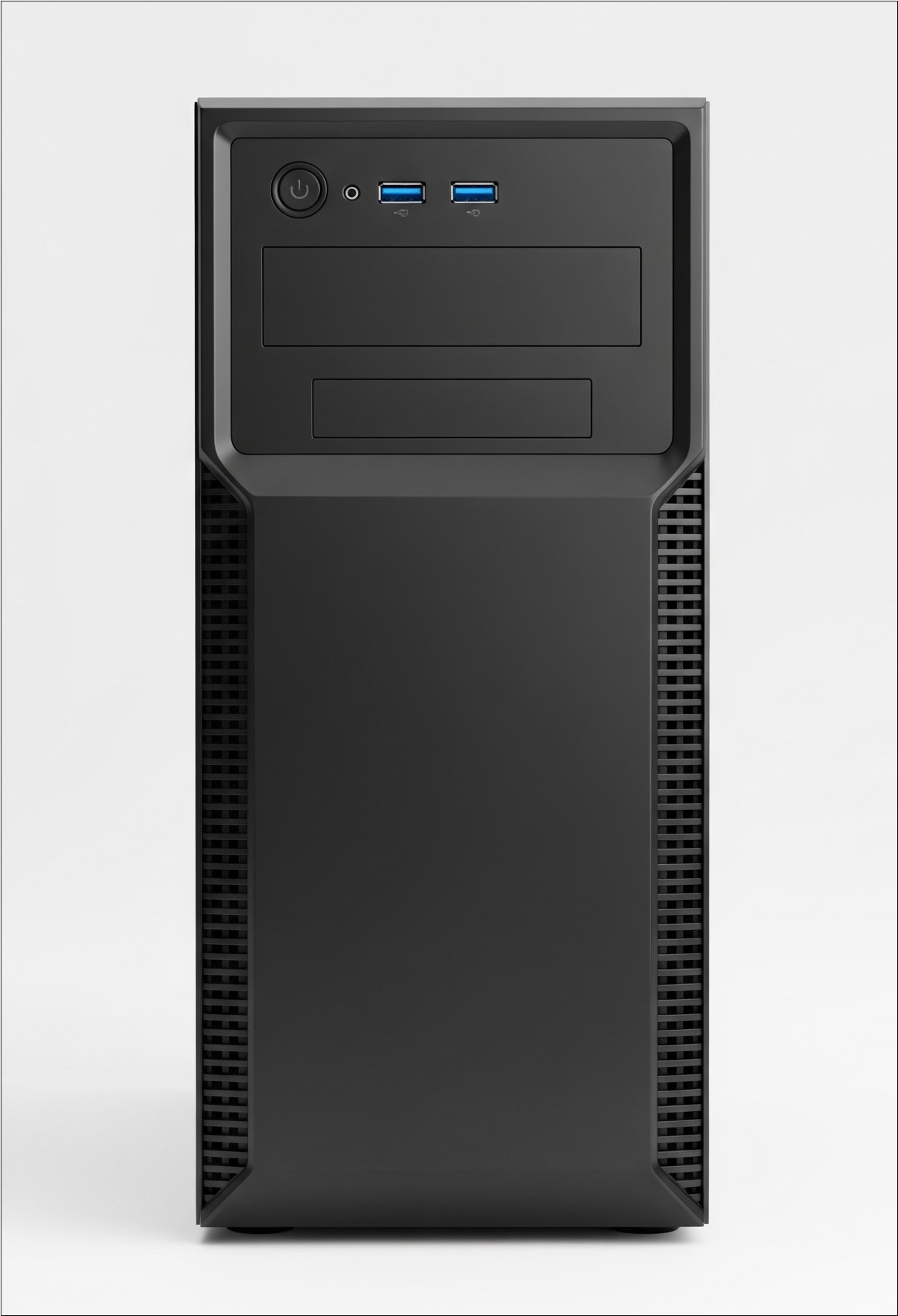
A software-based fax server usually consists of a computer that contains a modem and software that connects to the modem. The software manages incoming and outgoing calls via the modem.
Pros:
- Software-based fax servers are versatile. They can be set up to save faxes directly to PCC EHR. They can be built so that certain incoming files are routed to emails or various file sources in Import Documents.
- Software is typically purchased once, or periodically, and is not usually a subscription.
- Software-based fax servers last a long time and give the practice full control over file routing and configuration.
Cons:
- Software-based fax servers are complicated to set up.
- Local IT is responsible for setup and maintenance of hardware and software for fax servers. Change of local IT services may force a change in fax options.
- Associated hardware should be replaced periodically for security and performance.
- A phone line and phone number independent of the practice phone are required.
Hardware-Based Fax Server
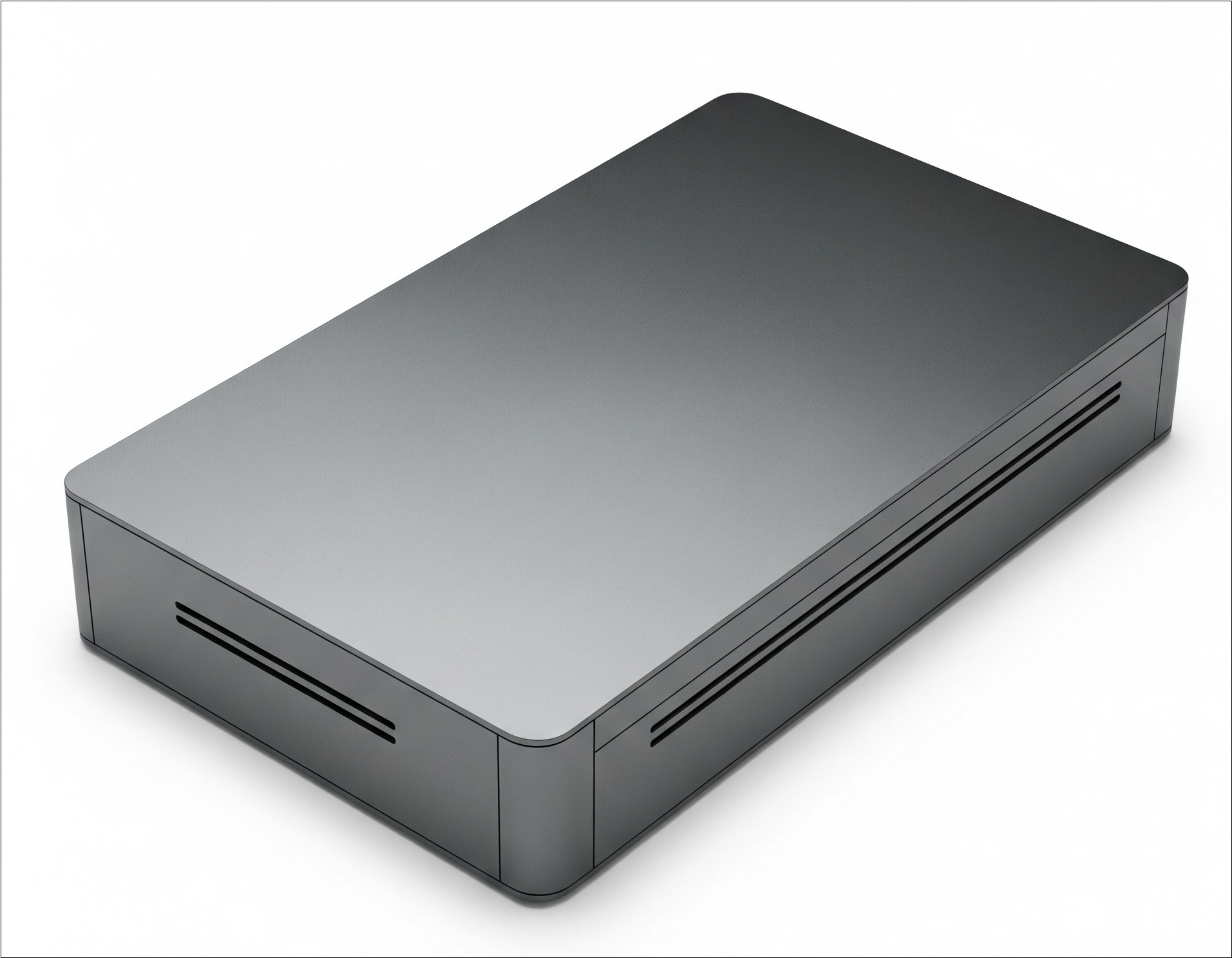
A hardware-based fax server is a small device that stands on its own without needing to be attached to a computer. It is essentially a single-purpose, built-in modem that can be configured to save faxes directly to PCC EHR.
From a user’s perspective, hardware-based fax servers function the same way as software-based fax servers. However, being single-purpose means that the device does not need to be replaced on a computer cycle, as the operating system and software will not go out of date at the same speed.
Pros:
- A hardware-based fax server is typically a one-time purchase.
- These devices are much smaller, the size of a modem box, which takes up very little space and can be stored with network equipment.
- Hardware-based fax servers are extremely long lasting.
Cons:
- Hardware-based fax servers are complicated to set up.
- Local IT is responsible for setup and maintenance of fax servers. Change of local IT services may force a change in fax options.
- Hardware-based fax servers are often very expensive.
- A phone line and phone number independent of the practice phone are required.
As with any fax option, please bear in mind that technology changes frequently. PCC is committed to giving high-quality support and making your fax solution work as well as possible. Contact PCC Support at to discuss your options further.